Find any customer without reopening Stripe
The problem
When someone asks who your best customers are, how long a customer has been subscribed, or who just canceled, the answer is scattered across Stripe, a CRM that may not even exist, and the founder's memory.
What you see
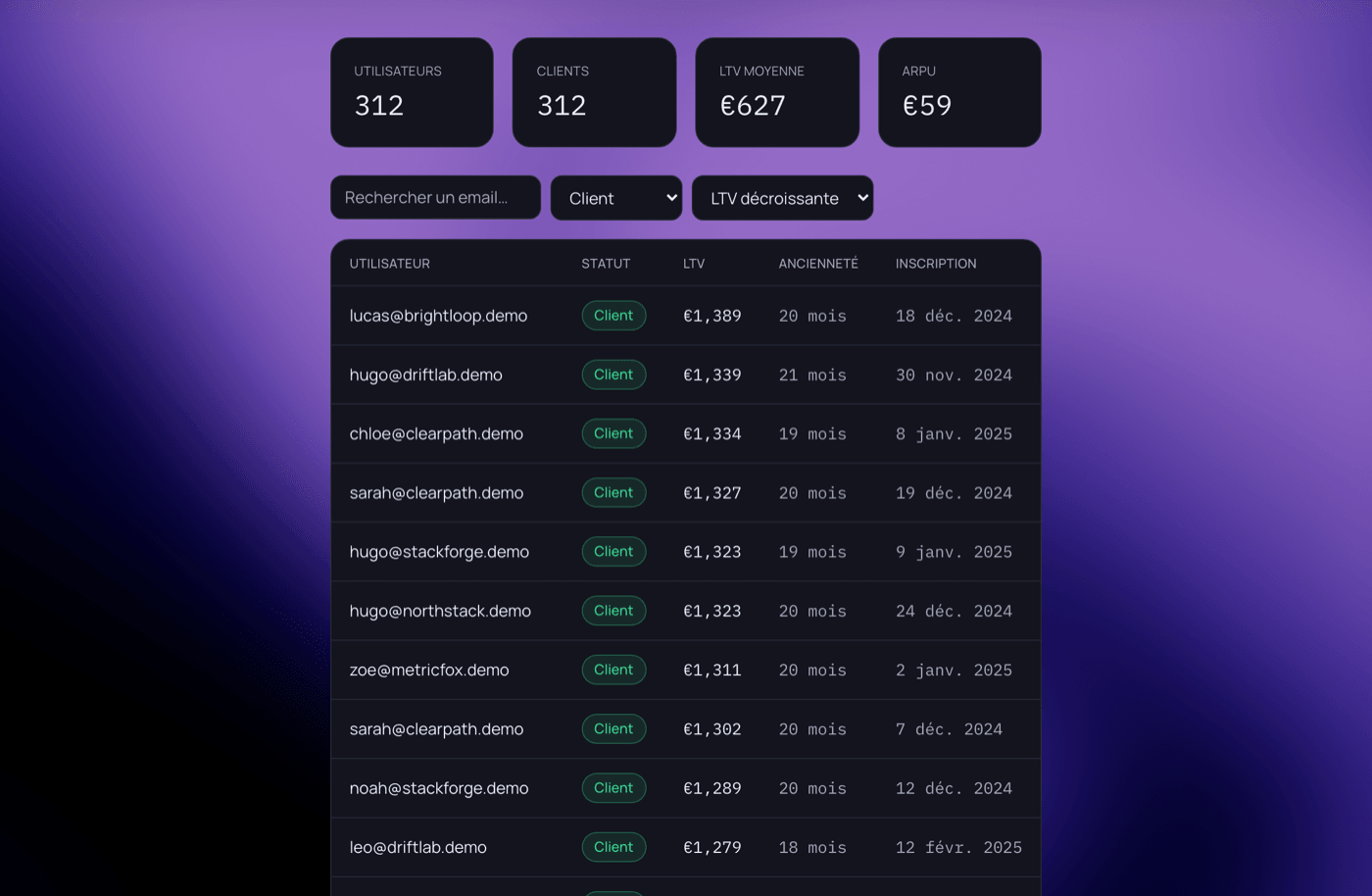
A table with each customer's email, status — customer, trialing user, or churned —, LTV, tenure, and signup date, with search, status filter, and sorting by LTV or date. Above it: total users and customers, average LTV, and ARPU.
Why these metrics matter
Sorting by LTV descending reveals your most valuable customers — the ones worth talking to for feedback or an upsell. Filtering on "Churned" reveals who left and since when, without recounting by hand.
How it connects
Synced automatically from Stripe as soon as the account is connected — no re-entry, no file to import.
Frequently asked questions
Where do the emails and statuses come from?
Directly from your Stripe subscriptions — these are your real customers, not anonymous visitors.
Is the data updated in real time?
Sync with Stripe happens automatically on every event — new subscription, cancellation, plan change — with no action needed from you.
How is the displayed LTV calculated?
From the revenue the customer has already generated over the life of their subscription — an observed value, not a projection.